

Description
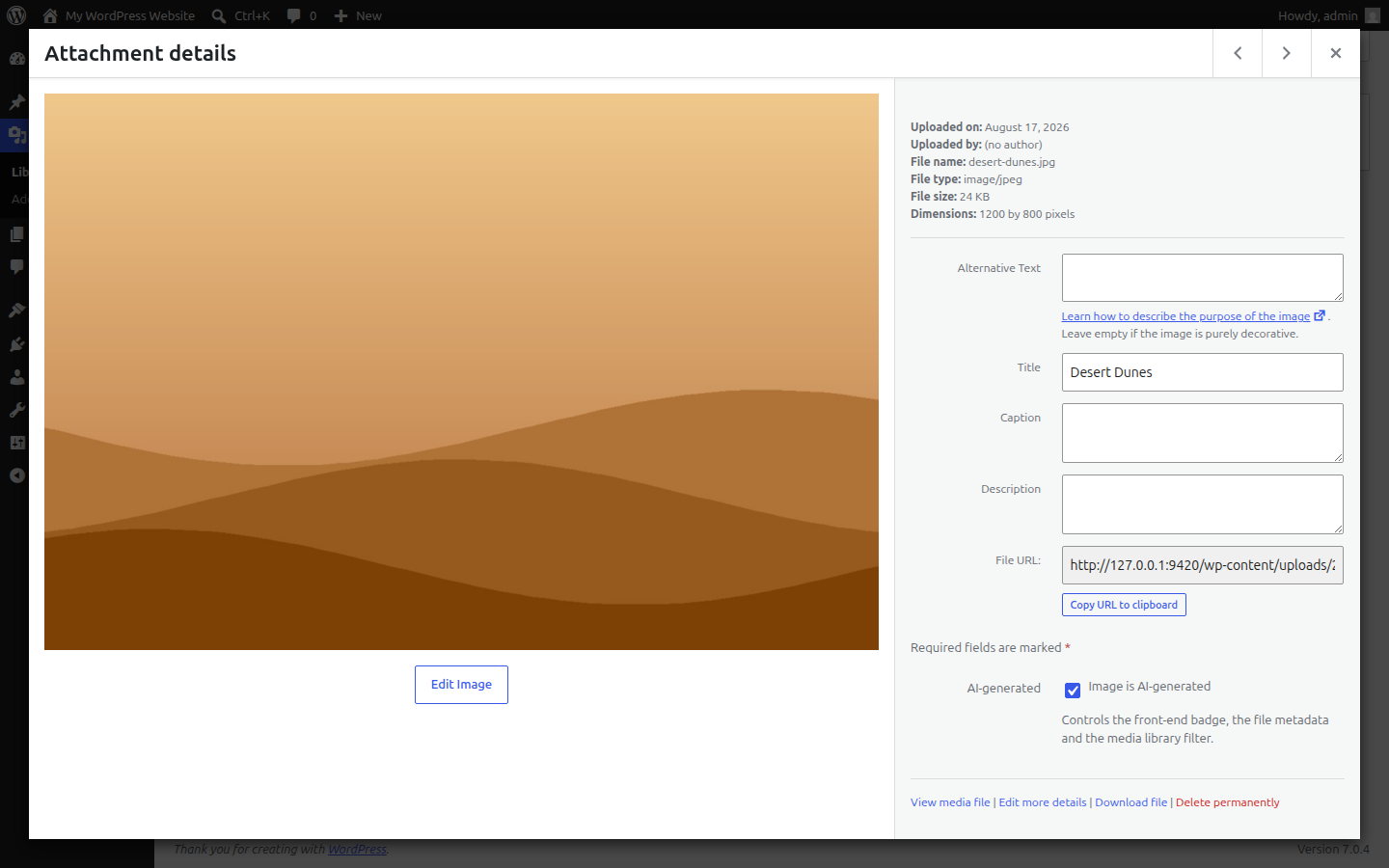
One Step AI Image Marker adds a simple “AI-generated” checkbox to every image in your media library. One checkbox controls everything:
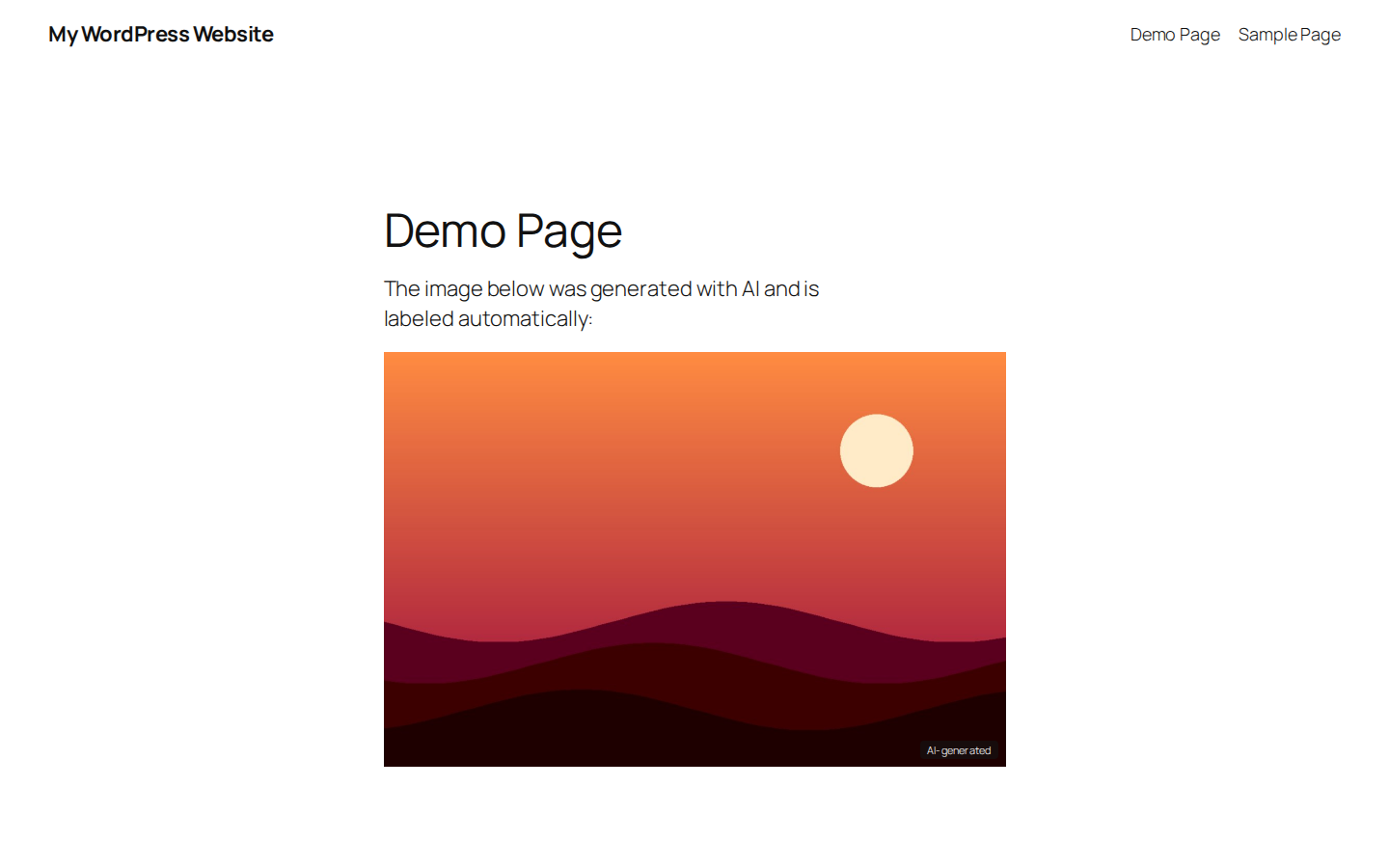
- Visible badge on your website: flagged images get a discreet “AI-generated” overlay in the bottom right corner. On small images the badge automatically shrinks to a short label with a tooltip.
- Machine-readable labeling in the image files: the plugin writes the IPTC digital source type
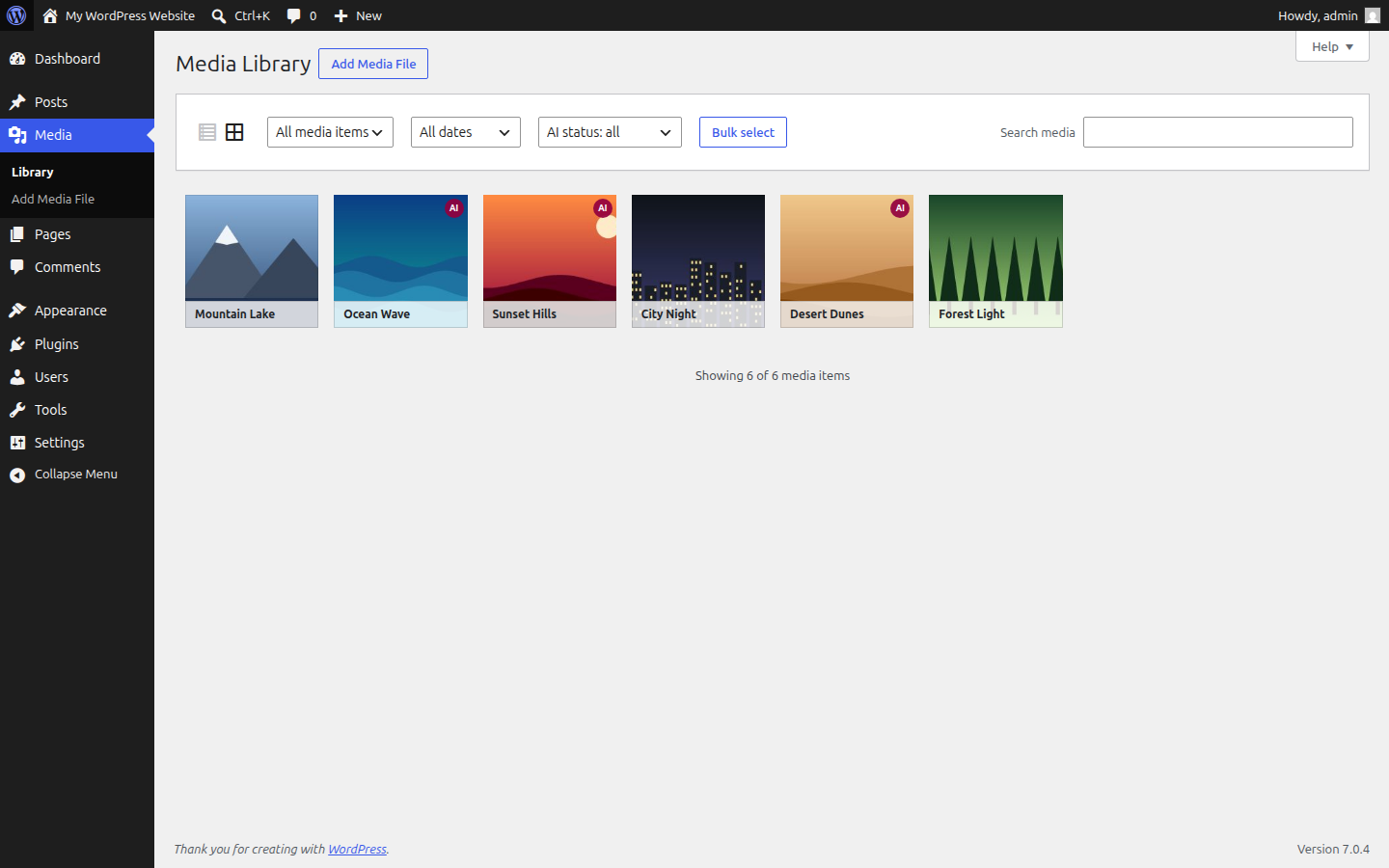
trainedAlgorithmicMediaas XMP metadata directly into the image files (JPEG and WebP), including all size variants. Google reads this field and can show an AI notice for your images in image search. - Media library management: an “AI” badge on every flagged image, filters (“Only AI-generated” / “Without AI label”) in both the grid and list view, and bulk actions to flag or unflag many images at once.
- Background images: give a container the CSS class
ai-imageand it gets the badge, no matter which page builder paints the background. The corner of the badge is chosen in the settings. - Customizable badge: set your own badge text and pick the text and background colors under Settings AI Image Marker. Leave the fields empty to keep the translated default and the discreet default styling.
The plugin works with the block editor (Gutenberg), block-based themes, Kadence Blocks and Elementor. Classic editor content is covered as well. Featured images are supported through the standard WordPress thumbnail function. Images in the cover block and in the media & text block with image fill are labeled as well.
Background: Article 50 of the EU AI Act (Regulation (EU) 2024/1689) introduces transparency obligations for AI-generated content, applying from 2 August 2026. This plugin provides the technical building blocks for labeling AI-generated images: a visible disclosure and a machine-readable marking following the IPTC standard. Whether and how the obligations apply to your website remains your responsibility; this plugin is a technical tool, not legal advice.
The plugin runs entirely on your server. It makes no external requests, loads nothing from third-party servers and collects no data.
Screenshots

FAQ
Does the plugin change my image files?
Only when you flag an image as AI-generated: the plugin then writes a small XMP metadata block into the JPEG or WebP file (and its size variants). The image pixels are untouched. Files are replaced atomically and validated first, so a failed write can never corrupt an image. Unflagging removes the metadata again.
Which builders and editors are supported?
The visible badge works with the block editor (Gutenberg), Kadence Blocks, other block collections, the classic editor and Elementor (including Elementor Theme Builder templates). The machine-readable XMP labeling is independent of any builder and always works.
How do I label a background image?
A background image has no image element the badge could attach to, so you mark its container by hand: give the container the CSS class
ai-image.- Block editor and Kadence (row layout, section, group): select the block, open “Advanced” and enter
ai-imageunder “Additional CSS class(es)”. - Elementor (container, section, column, widget): select the element, open “Advanced” and enter
ai-imageunder “CSS Classes”. - Anything else: add the class to the HTML element that shows the background.
You can copy the class with one click under Settings AI Image Marker. The badge is added on the server, it does not depend on JavaScript. Also tick the checkbox for the image in the media library, so the file gets its machine-readable label.
- Block editor and Kadence (row layout, section, group): select the block, open “Advanced” and enter
Can I choose where the badge appears on background images?
Yes. Go to Settings AI Image Marker Background images and pick one of the four corners. The setting applies to all containers with the class
ai-imageand to images that fill their container, such as the cover block. Badges on regular images stay in the bottom right corner.Are there images the badge cannot cover?
Background images are not detected automatically, they need the CSS class
ai-imageon their container (see above). Elementor images with fully custom dimensions (which lack thewp-image-…class) do not get the visible overlay. The machine-readable XMP labeling in the files still applies to them.Does the plugin edit my image captions?
No. Captions are deliberately left untouched.
What happens when I uninstall the plugin?
Your images keep working normally. The “AI-generated” flags are stored as regular attachment meta and remain in the database, so reinstalling restores the labels. The badge settings are stored as a single option and remain as well. XMP metadata already written stays in the files; unflag images before uninstalling if you want it removed.
Can I change the badge text or its colors?
Yes. Go to Settings AI Image Marker to enter your own badge text (plus a short variant for small images) and pick the text and background colors with a color picker. Empty fields keep the defaults, so the badge stays translated into your site language. Developers can also use the
aiim_badge_labelandaiim_badge_short_labelfilters.Can I set the flag programmatically?
Yes. The meta key
_aiim_ai_generatedis registered for the REST API, so automated workflows can flag uploads directly.
Reviews
There are no reviews for this plugin.
Contributors & Developers
“One Step AI Image Marker” is open source software. The following people have contributed to this plugin.
Contributors
“One Step AI Image Marker” has been translated into 1 locale. Thank you to the translators for their contributions.
Translate “One Step AI Image Marker” into your language.
Interested in development?
Browse the code, check out the SVN repository, or subscribe to the development log by RSS.
Changelog
1.2.0
- New: badge on background images. Give the container the CSS class
ai-image, works with the block editor, Kadence, Elementor and any other page builder. - New setting: corner of the badge on background images (bottom right, bottom left, top right, top left).
- New: cover blocks with a fixed or repeated background get the badge.
- Fixed: a flagged image in a cover block or in a media & text block with image fill disappeared.
- Fixed: the badge text no longer appears in automatic excerpts.
- Improved: screen readers announce the short badge only once.
- New filters
aiim_label_backgrounds,aiim_bg_class,aiim_bg_positionandaiim_fill_image_classesfor developers.
1.1.0
- New settings page (Settings AI Image Marker): custom badge text, short badge text, text color and background color with live preview.
- New filters
aiim_badge_labelandaiim_badge_short_labelfor developers. - “Settings” link in the plugin list.
1.0.0
- Initial release: media library checkbox, grid/list badges and filters, bulk actions, front-end badge (block editor, classic editor, Elementor), IPTC/XMP labeling for JPEG and WebP files.