
Description
WordPress and PHP both control how large a file you can upload. WP Upload Size lets you set a higher WordPress media upload limit in a few clicks—using MB or GB instead of raw bytes.
Features
- Set upload limit in KB, MB, or GB (no byte math required)
- Quick presets: 32 MB, 64 MB, 128 MB, 256 MB, 512 MB, 1 GB
- One-click Match PHP max
- Dashboard showing
upload_max_filesize,post_max_size,memory_limit, and the effective WordPress limit - Clear warning when your desired limit is higher than PHP allows
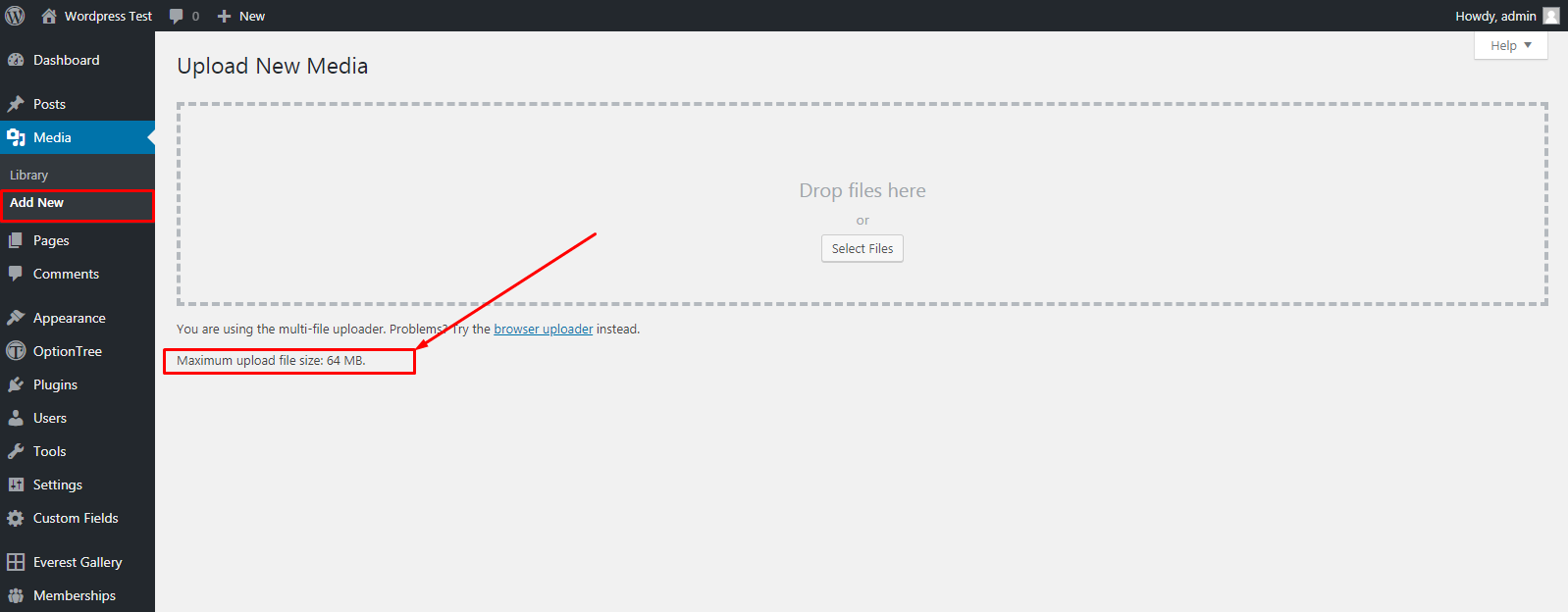
- Never promises more than PHP can accept in the Media Library
- Settings link on the Plugins screen
- Translation-ready (text domain:
wp-upload-size)
Important
This plugin adjusts the WordPress upload size filter. It cannot raise PHP limits by itself. If uploads still fail, ask your host to increase upload_max_filesize and post_max_size in php.ini (or use .user.ini / hosting panel settings).
Where to find settings
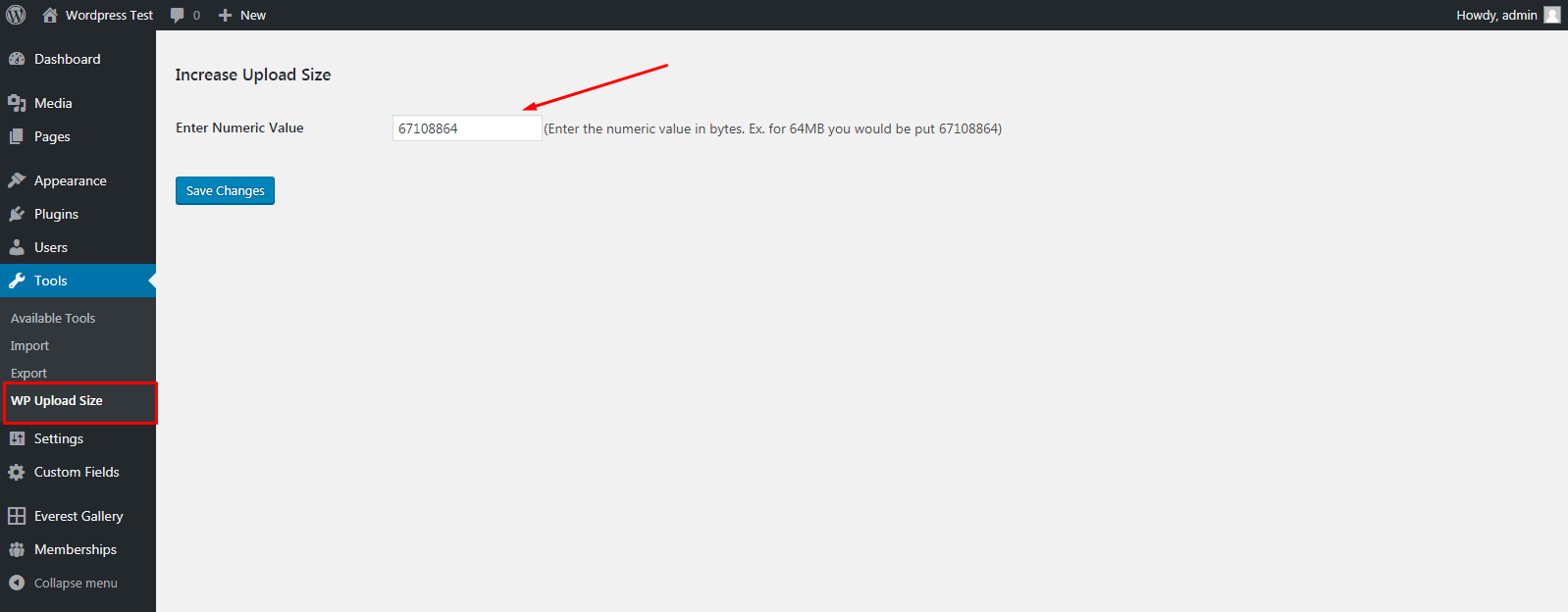
Go to Tools WP Upload Size after activating the plugin.
Screenshots
Installation
Automatic installation
- Go to Plugins Add New.
- Search for WP Upload Size.
- Click Install Now, then Activate.
- Open Tools WP Upload Size.
- Enter a size (for example
64) and choose MB, or use a quick preset. - Click Save upload limit.
Manual installation
- Upload the
wp-upload-sizefolder to/wp-content/plugins/. - Activate the plugin through the Plugins screen.
- Open Tools WP Upload Size and set your desired limit.
FAQ
-
Why does my upload still fail after increasing the limit?
-
Your server PHP limits are lower than the file size. Check the Current limits panel on the settings page. Raise
upload_max_filesizeandpost_max_sizewith your host, then try again. -
Do I still enter the size in bytes?
-
No. Starting in 2.1.0 you can enter values in KB, MB, or GB. Existing byte-based settings are kept and shown in a readable unit.
-
Does this affect other files on my site?
-
No. It only changes the WordPress media upload size limit.
-
Will this work on multisite?
-
The plugin works on single sites and network-capable installs. On multisite, network upload caps set by the network admin may still apply.
-
Can this plugin increase PHP memory or upload limits in php.ini?
-
No. Only your hosting environment can change PHP ini values. This plugin makes the WordPress side easy and shows what PHP currently allows.
Reviews


Contributors & Developers
“WP Upload Size” is open source software. The following people have contributed to this plugin.
Contributors
Translate “WP Upload Size” into your language.
Interested in development?
Browse the code, check out the SVN repository, or subscribe to the development log by RSS.
Changelog
2.1.0
- Redesigned settings UI under Tools WP Upload Size
- Added KB / MB / GB unit selector (no more raw bytes required)
- Added quick size presets and “Match PHP max”
- Added server limits overview (upload_max_filesize, post_max_size, memory_limit)
- Effective limit is capped at the PHP maximum so Media Library stays accurate
- Warning notice when desired limit exceeds PHP
- Proper Settings API, capability checks, escaping, and sanitization
- GPL-2.0-or-later license header aligned with WordPress.org
- Translation-ready text domain and uninstall cleanup
- Compatibility update: Tested up to WordPress 6.8
2.0.2
- Maintenance release
1.0.0
- First release